Developed for Meals on Main St. This tool provides an efficient way to process orders
and aggregate data based on the type of food delivered in an order.
This app has two components.
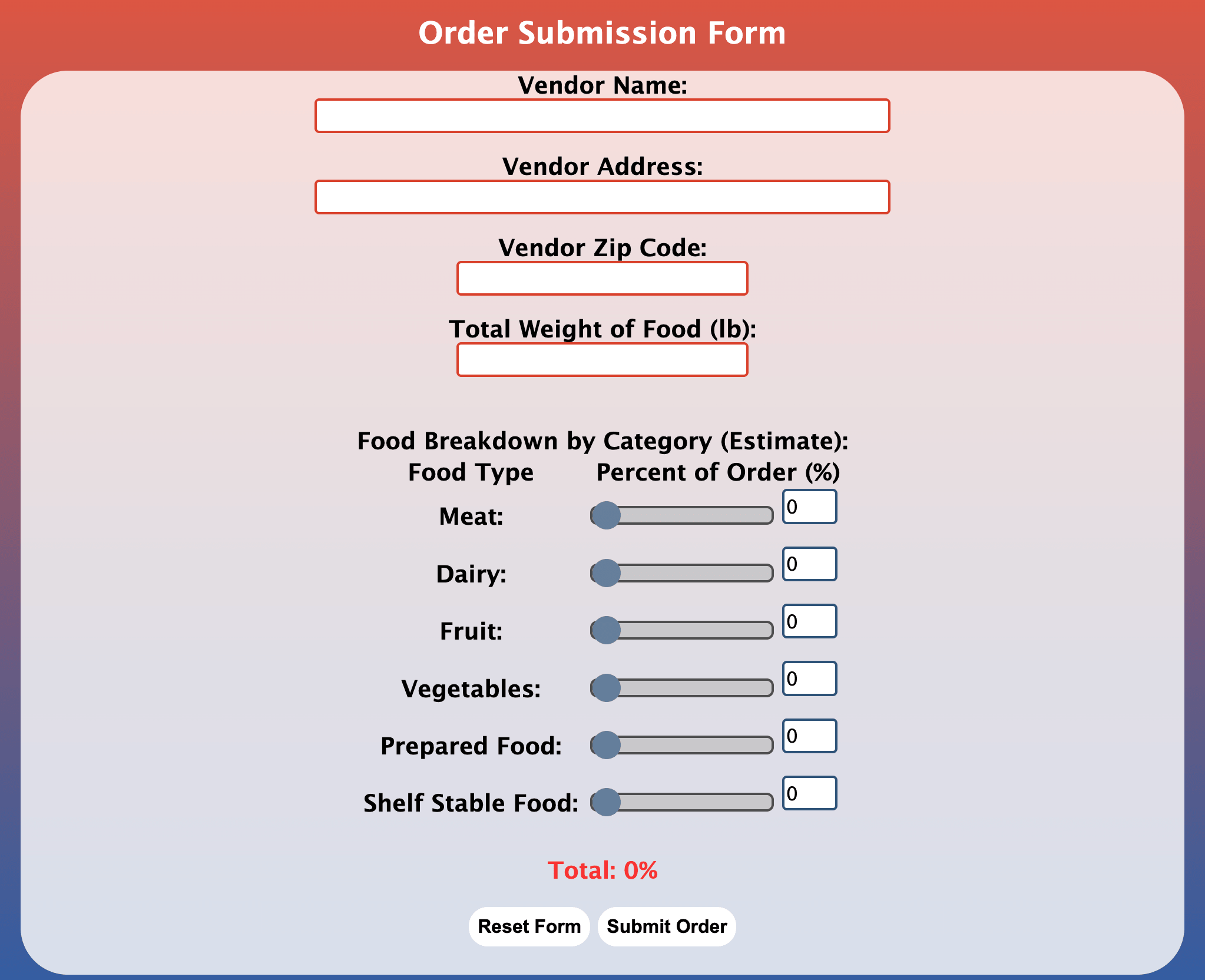
1) The Input Form
Volunteers fill out the input form whenever an order is received.
The form contains the following fields
Vendor Name
Vendor Address
Vendor Zip Code
Total Weight
% Meat
% Dairy
% Fruit
% Veggies
% Prepared Food
% Shelf-Stable Food
The form will only submit if these add up to 100%
2) The Data Viewer Tool
The Data Viewer Tool allows the organization to track their orders in a few different ways.
First, the order data is aggregated in a chart that provides an easy to read way to view all orders.
This data can be directly downloaded with the press of a button into a csv file.
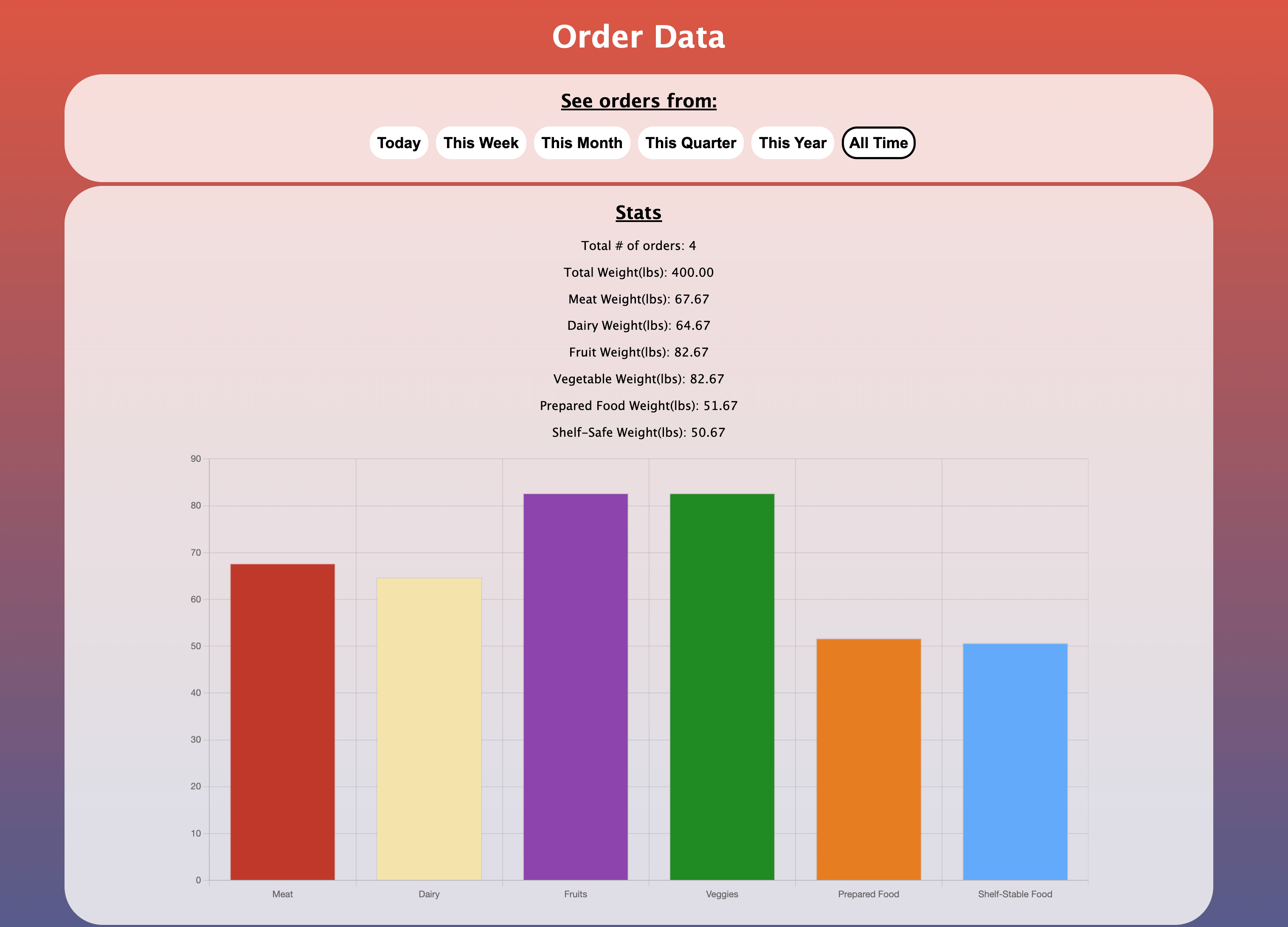
Second, there is a chart depicting the total number of pounds of food that are delivered in each food group.
This allows the organization to easily tell how much food of each type that they have so that they know what they need more of.
Lastly, this page allows the data to be filtered based on the date that it was delivered.